

- Manufacturing Product License
- Manufacturing Certification No. 13-520
- Rated power consumption
- 480W
- External dimensions
- 1600(W)mm x 2050(D)mm x 170(H)mm
Hui Mat
The warm, soothing Hui Mat that relieves aching, knotted muscle pain
Personal Thermal Device (JU-2012A-1)
- Emailcs@jamunhealth.co.kr
- International phone+82 31-671-7600
How It Works and Its Effects
Hui Mat lets you experience the effects of heat therapy and is effective in relieving muscle pain.
Hui Mat, a personal thermal device built with JAMUN's technology for convenience
Key benefits
- Relieves muscle pain and improves blood circulation!
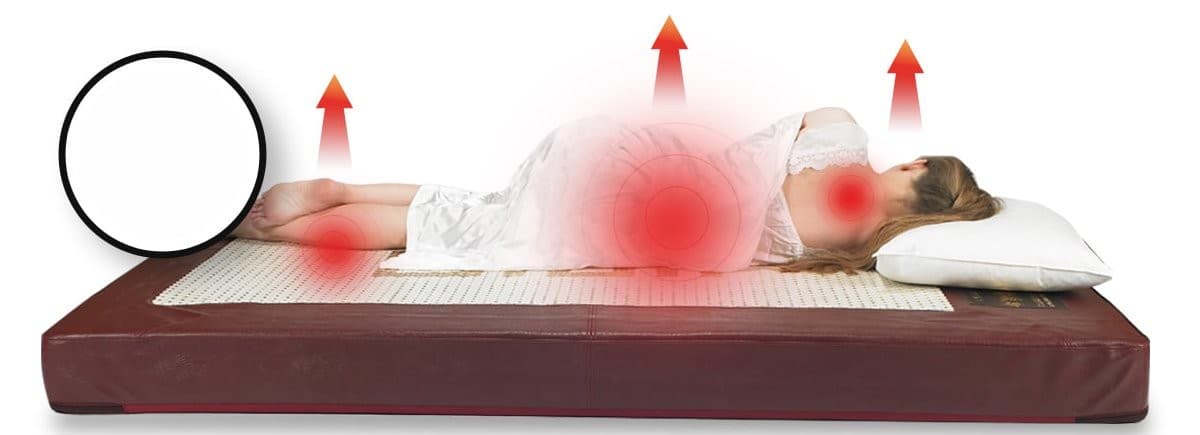
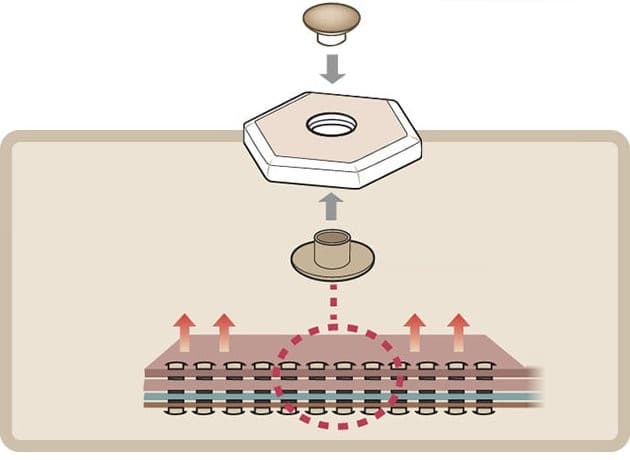
- Far infrared
Utility Model Registered with the Korean Intellectual Property Office
(No. 20-0443179)
Hui Mat
- Step 1
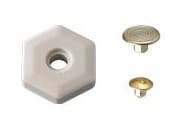
Hexagonal fired ceramics and rivets
- Step 2
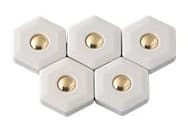
Assembled together with rivets
- Step 3

Finished, fully connected product
Each piece is joined one by one with rivets and carefully made by hand.
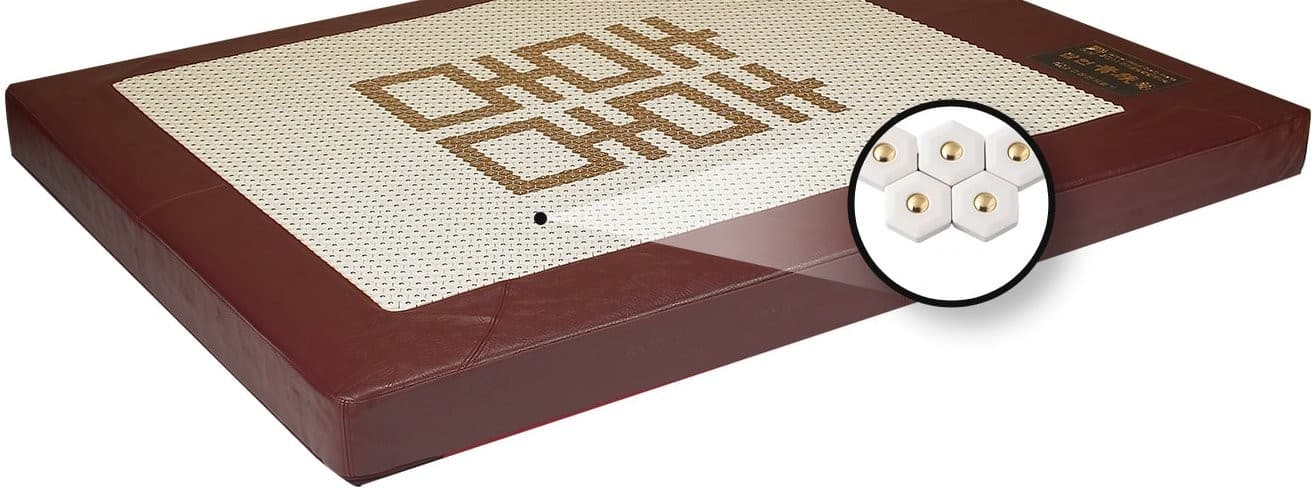
- Ceramic
Personal Thermal Device in Detail
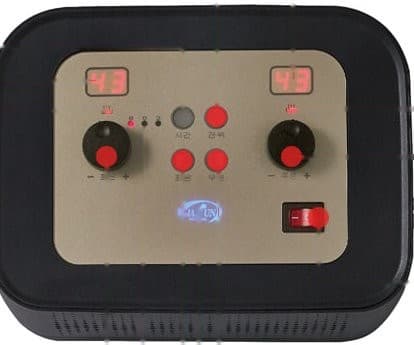
- Display (left)Shows the current and set temperature for the left and right sides respectively.
- Operation lamp (left)Lamp lights up when heating operates on the left or right side (lights up red)
- Temperature control knob (left)Lamp lights up when heating operates on the left or right side (lights up red)
- Time setting indicator lampLamps light up to show the time the user has set on the heating unit timer. (3, 6, 8 hours) (each time lamp lights up red)
- Power indicator lampThe lamp lights up to show that the device is powered on. (lights up blue)
- Heating button (left on) / Heating indicator lamp (left)Select the left heating button to start heating. The lamp lights up when the left-on button is pressed. (lights up red)
- Display (right)Shows the current and set temperature for the left and right sides respectively
- Operation lamp (right)Lamp lights up when heating operates on the left or right side. (lights up red)
- Temperature control knob (right)Sets the heating temperature for the left and right sides respectively. (25~70℃)
- Power switchTurns the device power ON (left) / OFF (right)
- Heating button (right on) / Heating indicator lamp (right)Select the right heating button to start heating. The lamp lights up when the right-on button is pressed. (lights up red)
Operating Principle
Part of the input AC220V power is supplied to drive the heating wire and the triac, while the rest passes through a transformer and rectifier circuit to be output as DC12V, then through a constant-voltage circuit to become DC5V, which is supplied to the microcontroller.
Once reset by the power supply, the microcontroller executes the corresponding functions according to switch operations and displays their status.
The heating unit turns OFF after operating for up to 8 hours by the timer, the temperature sensor controls the temperature of the heating wire,
and if the temperature rises into the 90 ℃ ±5 ℃ range, a bimetal switch is activated to prevent overheating. The potential unit controls the output through the triac,
rectifying the supplied power to DC and outputting the potential through the potential plate.
Product Features
- Controller prevents temperature rise, high voltage, and more
- Uses synthetic leather fabric
- Uses high-frequency fabric
- Digital controller
- Controller ON/OFF function
- Timer function (built-in timer with 3, 6, 8-hour settings)
Specifications
| Manufacturing Product License | Manufacturing Certification No. 13-520 |
|---|---|
| Rated voltage | AC220V, 60Hz |
| Rated power consumption | 480W |
| Main unit weight | Approx. 60kg |
| External dimensions | 1600(W)mm x 2050(D)mm x 170(H)mm |
You may also like
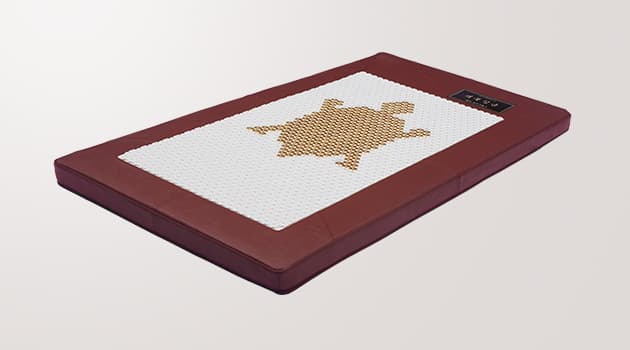
Medical Devices
Geobuk Single
The warm, soothing JAMUN Geobuk Single that relieves aching, knotted muscle pain
- Personal Thermal Device (JU‑2013‑2)
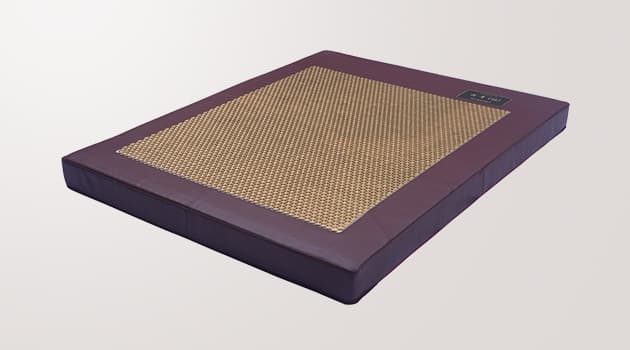
Medical Devices
Hwanggeumhui
The warm, soothing Hwanggeumhui that relieves aching, knotted muscle pain
- Personal Thermal Device (JU‑2012A‑1G)
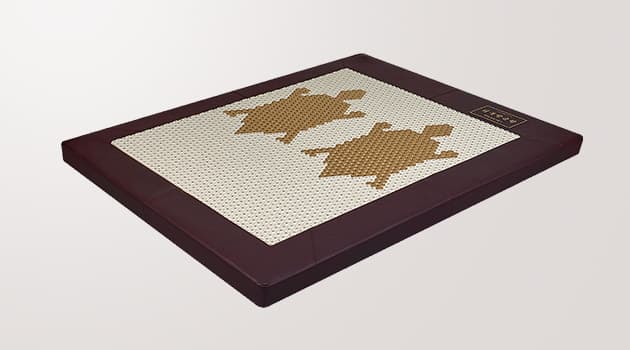
Medical Devices
Geobuk Ssanggeumjang
The warm, soothing Geobuk Ssanggeumjang that relieves aching, knotted muscle pain
- Personal Thermal Device (JI‑2012A‑2, JU‑2012A‑3)
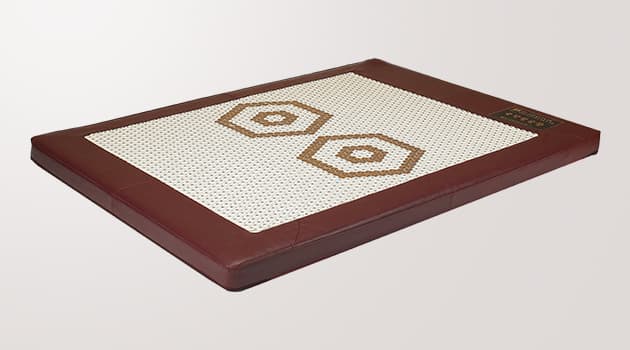
Medical Devices
Yukgak Ssanggeumjang
The warm, soothing Yukgak Ssanggeumjang that relieves aching, knotted muscle pain
- Personal Thermal Device (JU‑2012A)
Need product advice?
Our staff will gladly guide you through purchasing, trying our products, and opening a dealership.